App Download
Tashan Win APK Download: Safe Install Guide For Every Android Phone
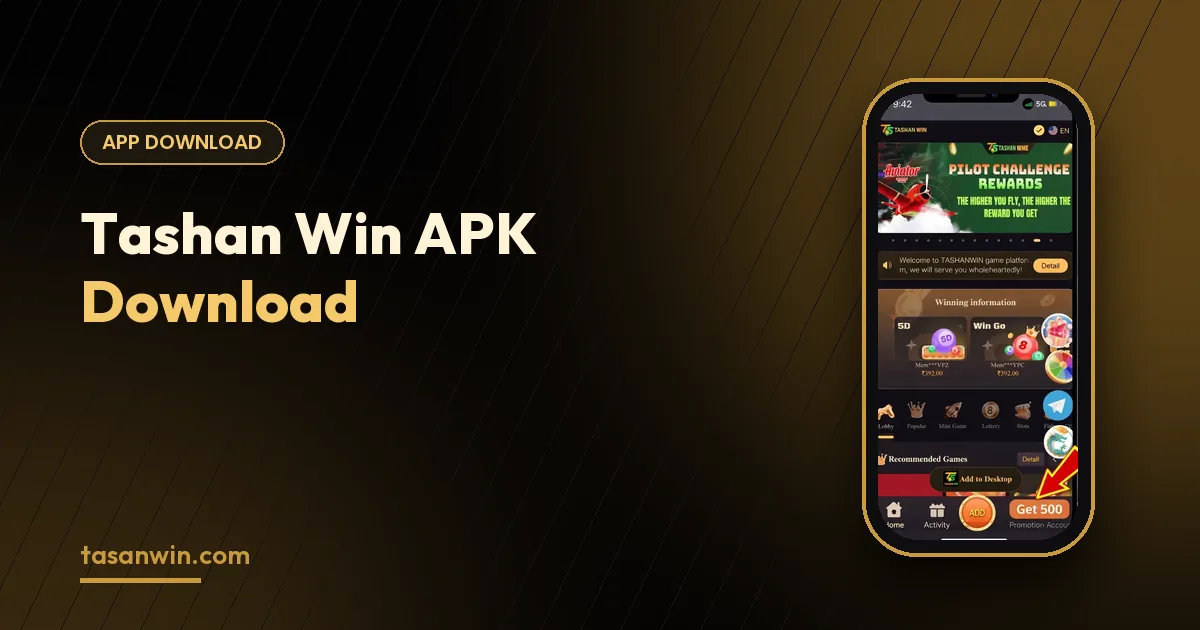
The Tashan Win Android app is the fastest way to play: it opens straight to the lobby, sends gift-code alerts and keeps your session ready between rounds. Because it is installed as an APK instead of from the Play Store, Android asks for one extra permission. Here is how to do it safely on any phone.
Download only from the official link
Modified APKs shared in groups can contain malware or steal your login. Always use the Download App button on tasanwin.com, which points to the current official version. A genuine installer never asks for your contacts, SMS or OTP.
Install in four steps
STEP 01
Download
Tap Download App and wait for the file to finish downloading.
STEP 02
Allow the source
When Android asks, allow installs from your browser or file manager.
STEP 03
Install
Open the downloaded file and tap Install.
STEP 04
Log in
Open Tashan Win and sign in with your existing phone number and password.
Where to find the setting on your phone
Samsung
Settings › Security and privacy › Install unknown apps.
Xiaomi / Redmi / POCO
Settings › Privacy protection › Special permissions › Install unknown apps.
Vivo / iQOO
Settings › Security › Install unknown apps.
Realme / OPPO
Settings › Privacy › Install unknown apps.
Fixing common errors
“App not installed” usually means an older version is still on the phone — uninstall it, restart and install again. Not enough storage means you need to clear old downloads or cache. A Play Protect warning appears for every app installed outside the Play Store; if your file came from the official link, choose More details › Install anyway.
If the installer still refuses, restart the phone, re-download the file (a partial download can be corrupt) and try once more.
Updating the app
When a new version is released, download it from the same official link and install it over the current one. Your account, balance and history are stored on the platform, so updating or reinstalling never removes them.
Using iPhone or a computer?
Open Tashan Win in Safari or your desktop browser and log in. Add it to your home screen for one-tap access — everything works the same as on Android.
Prefer a detailed walkthrough? Read the APK install guide or visit the download page.
How much space and data you need
The installer itself is only a few megabytes, so it downloads quickly even on a slow connection. Keep some extra free storage available for the app’s cache and updates — a phone that is almost full is the most common reason an install fails halfway.
Permissions the app should ask for
A genuine gaming app only needs basic permissions such as internet access and, optionally, notifications for gift-code alerts. If an APK asks for access to your SMS, contacts, call logs or accessibility settings, cancel the install and delete the file — it is not the official app.
Should I switch the setting back off?
Yes, it is a good idea. Once Tashan Win is installed you can turn off Install unknown apps for your browser. The app keeps working normally, and Android will simply ask for the permission again the next time you install an update.
Keep Reading